How to play GTA 6 on PC
You can play GTA 6 on your PC by streaming it from your PS5 or Xbox Series X|S with a free Remote Play app, full screen, with a controller. Rockstar said the game supports Remote Play, and we have not tested it ourselves yet. Here is the setup, the kit and the connection that keeps it sharp.
Updated 19 November 2026.
By Vicedex, an independent GTA 6 reference. How we check and report a mistake.
The ten minute setup
Install the Remote Play app for your console, sign in with the same account, plug both into the router and press Play. The console runs the game. Your PC shows it. Rockstar confirmed on 10 November that the game "will also fully support Remote Play on PlayStation and XBOX", in its pre-load post. Xbox Cloud Gaming is a different thing: Microsoft names only Xbox One and Xbox Series X|S consoles for GTA VI in the cloud.
What you need
One console that runs GTA 6, one controller and one network cable. These are the picks we recommend.
Console
PlayStation 5
Runs GTA 6 and streams it to your computer with PS Remote Play.
See it on AmazonConsole
Xbox Series X
Runs GTA 6 and streams it to a Windows PC with the Xbox app.
See it on AmazonController
DualSense controller
Sony lists the DualSense, DualSense Edge and DualShock 4 for Remote Play on a computer.
See it on AmazonNetwork
Cat 6 Ethernet cable
A wired connection is the cheapest upgrade for a smooth stream.
See it on Amazon
Play GTA 6 on PC from a PS5
- On your PS5, open Settings, then System, then Remote Play, and turn on Enable Remote Play.
- On your computer, download PS Remote Play from PlayStation's site and install it.
- Sign in with the same PlayStation account as your console.
- Connect your controller with a USB cable or Bluetooth.
- Pick PS5 in the app, wait for it to connect, then start GTA 6.
Play GTA 6 on PC from an Xbox
- On your Xbox, open Settings, then Devices and connections, then Remote features, and turn remote features on.
- On your Windows PC, open the Xbox app and sign in with the same account.
- Choose your console and select remote play.
- Connect an Xbox controller and start GTA 6.

Get a sharp, smooth stream
Remote Play sends the picture over your home network, so the connection decides the quality. Sony's own figures:
| Connection | Speed |
|---|---|
| Minimum | At least 5 Mbps broadband |
| Recommended | At least 15 Mbps |
| Best setup | Console and computer both on a cable to the router |
What about a real PC version?
A native PC version would bring mods and full graphics settings. Rockstar has not announced one, and GamesBeat reported Q1 2027 from anonymous sources, which is unconfirmed. Rockstar lists GTA 6 for PlayStation 5 and Xbox Series X|S. Track the date on GTA 6 PC release date and the mod scene on GTA 6 mods.
Quick answers
Can you play GTA 6 on PC?
Yes, by streaming it from your own PS5 or Xbox Series X|S with Remote Play. Rockstar has not announced a native PC version.
Is PS Remote Play free?
Yes. The app is free. You need your own PS5 and a copy of the game.
What internet speed do I need?
Sony asks for at least 5 Mbps and recommends at least 15 Mbps.
Can I play GTA 6 on a laptop?
Yes. The console does the work, so any laptop that runs the Remote Play app can show the game.
Official screenshots
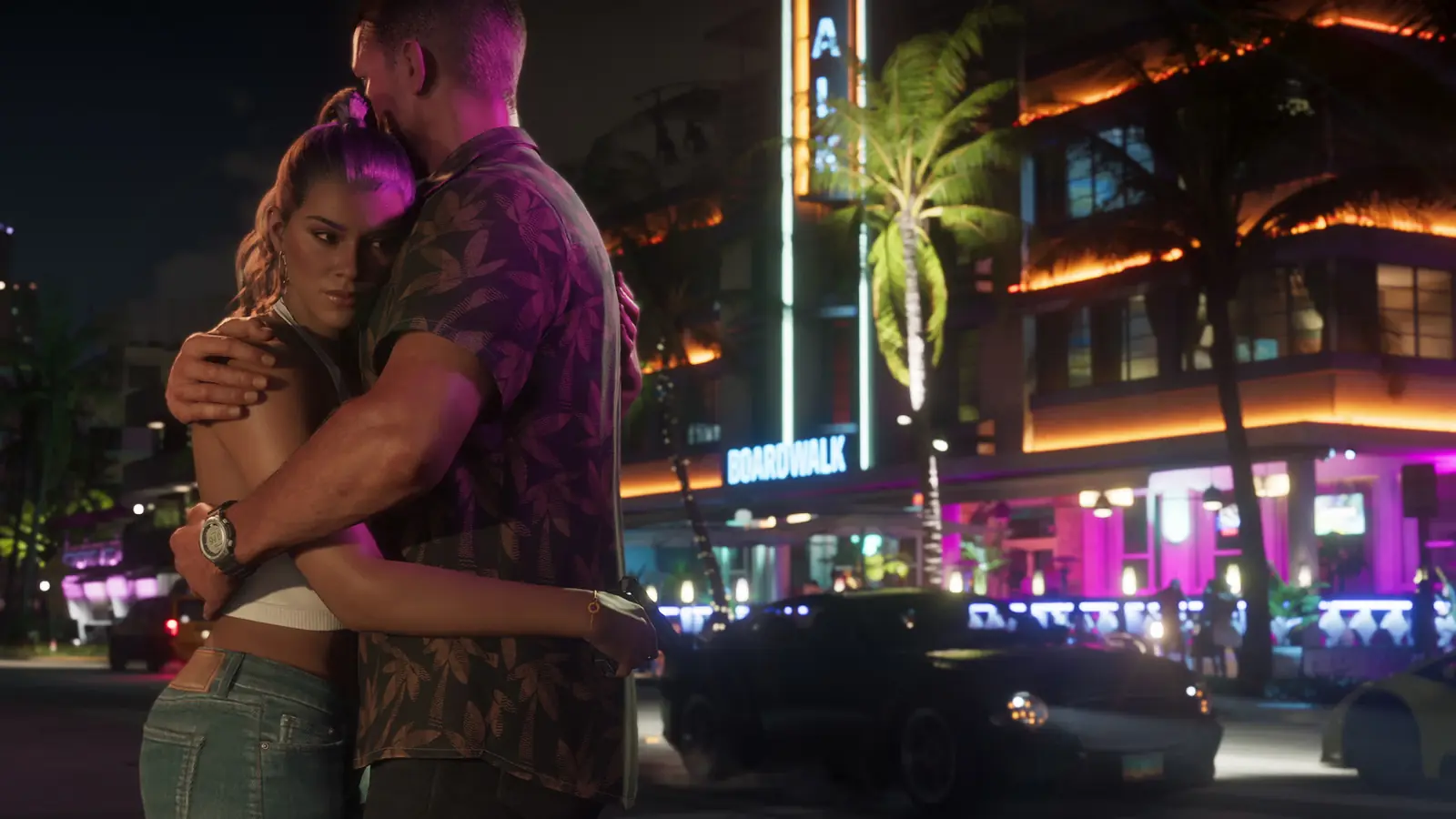

Screenshots: Rockstar Games. Select one to see it full size.