GTA 6 has a full photo mode, called Photo Studio. Pause the game and choose Photo Studio, or press the button the pause menu shows for it: Square on PS5, X on Xbox.
Checked 19 November 2026. We update this page when a patch adds to Photo Studio.
By Vicedex, an independent GTA 6 reference. How we check and report a mistake.
How to open it
- Pause the game.
- Select Photo Studio, or press Square on PS5 or X on Xbox from the pause menu.
- Set up the shot with the tabs below.
- Press Triangle (Y on Xbox) to hide the interface, then take your screenshot with the console's own capture button.
GameSpot says Photo Studio is available early in the story and also works during cutscenes, with fewer options.
What each tab does
| Tab | What it does |
|---|---|
| Camera | Rotate and zoom the camera, turn depth of field off, and make your character invisible. |
| Effects | Exposure, contrast, tint, bloom and more. |
| Lighting | Place several lights, from presets such as stage lights and camera flashes, and set each one's intensity and range. |
| Vehicle | Switch your vehicle's lights on and off. |
| Overlay | Vignette and filter strength, and filters including Cartoon Universe, Found Footage and Pixel Art. |
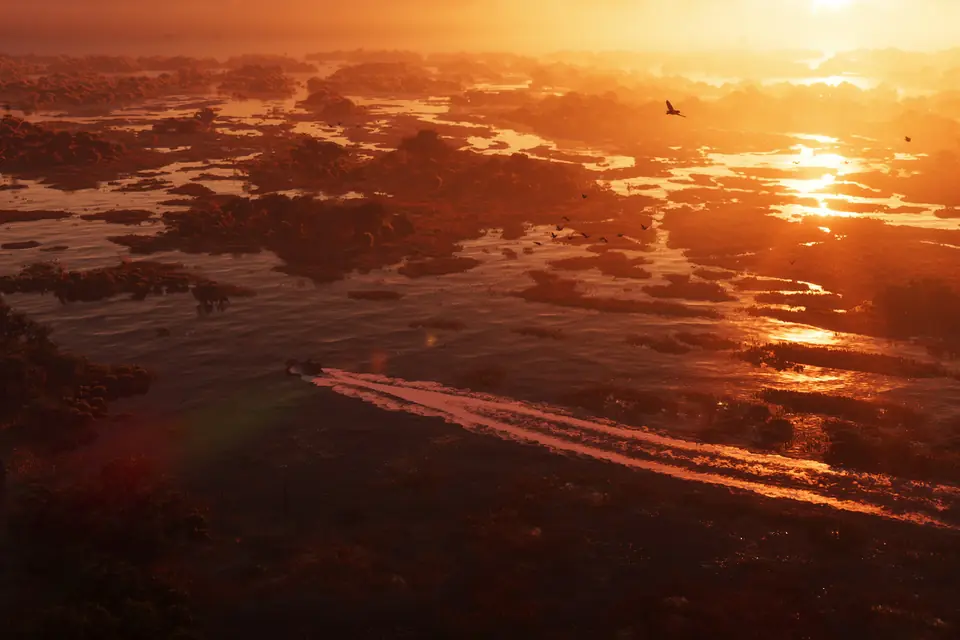
Making your character invisible is the trick for clean landscape shots. Turning depth of field off keeps the background sharp.
Selfies with the phone
The phone's Camera app takes photos and selfies too. GameSpot says it lets you change your character's pose and facial expression, and, when Jason and Lucia are together, your partner's pose as well. Open the phone with D-pad up. See our controls guide for the rest of the buttons.
Where to take photos
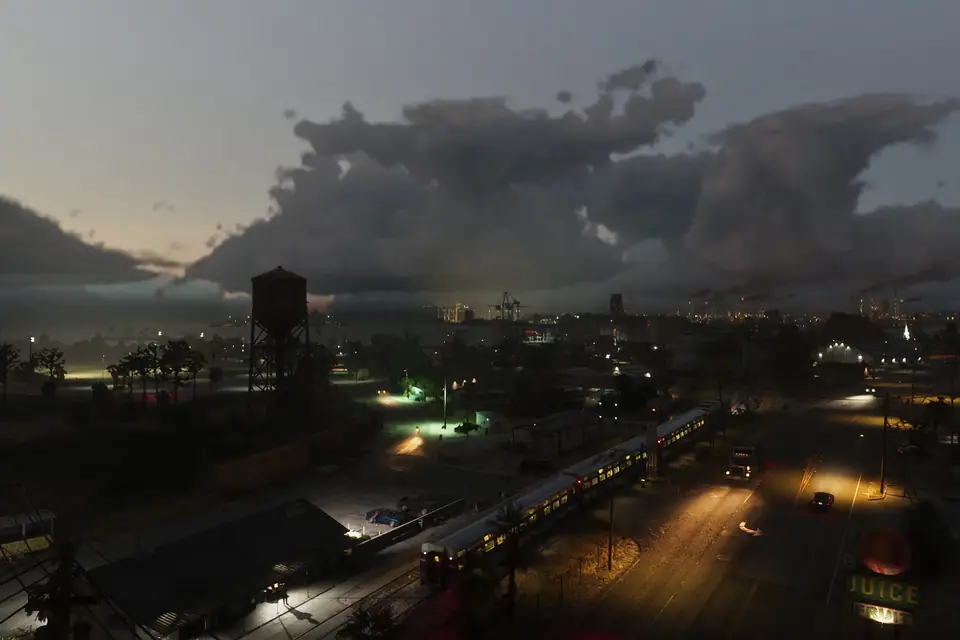
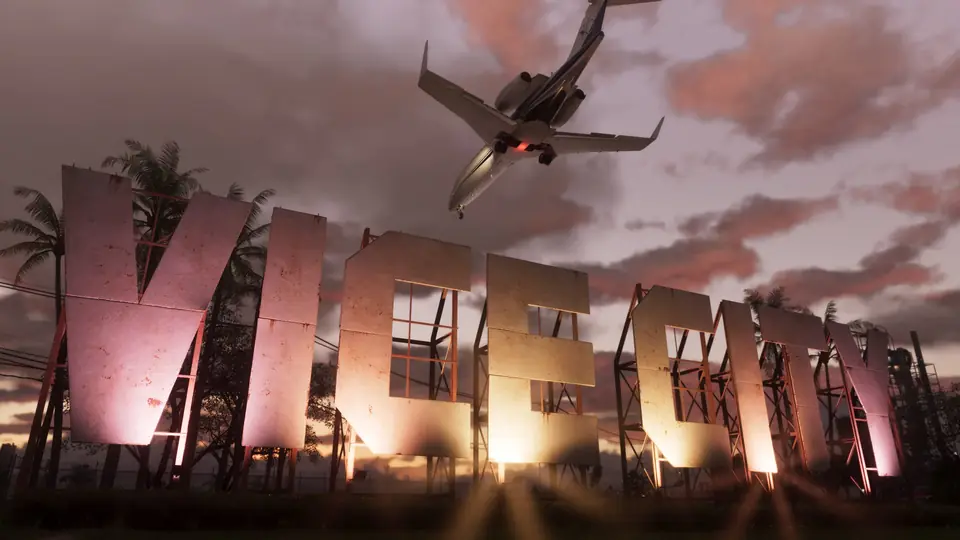
Night shots in Vice City look best with the picture set up properly. If your shots come out murky, check the brightness and HDR settings first. For places to go, our guide to the regions of Leonida and the map are a start.
Quick answers
Does GTA 6 have a photo mode?
Yes. It is called Photo Studio. Open it from the pause menu, or press Square on PS5 or X on Xbox there.
Can you take selfies in GTA 6?
Yes. The phone's Camera app takes selfies and lets you change the pose and expression, and your partner's pose when Jason and Lucia are together.
Can you use photo mode in cutscenes?
Yes, with fewer options.