To save in GTA 6, pause the game (Options on PS5, Menu on Xbox), open the Game tab, choose Save Game and pick one of 15 manual slots. The game also keeps one autosave, written after missions and some open world events.
Checked 19 November 2026, launch day.
By Vicedex, an independent GTA 6 reference. How we check and report a mistake.
Save your game, step by step
- Press Options on a PS5 controller or Menu on an Xbox controller to pause.
- Open the Game tab of the pause menu.
- Choose Save Game.
- Pick an empty slot, or one you are happy to overwrite.
You can save anywhere in the open world. The option is greyed out during a mission, so save just before you start one (Game Rant, Gaming Route).
Manual saves and the autosave
| Save | Slots | When it is written | What it overwrites |
|---|---|---|---|
| Manual | 15 | When you choose Save Game | Only the slot you pick |
| Autosave | 1 | After a mission or an open world event | The previous autosave |
The autosave has its own slot and never writes over a manual save. Because there is only one, it is a safety net for your latest progress, not a history you can step back through.
Why you cannot save yet
- You are still in the prologue. Manual saving is locked until the opening is over and you reach Jason's house at the marina, usually after the first job for Brian. Until then only the autosave keeps your progress (Game Rant).
- You are on a mission. Finish it or fail out of it, then save.
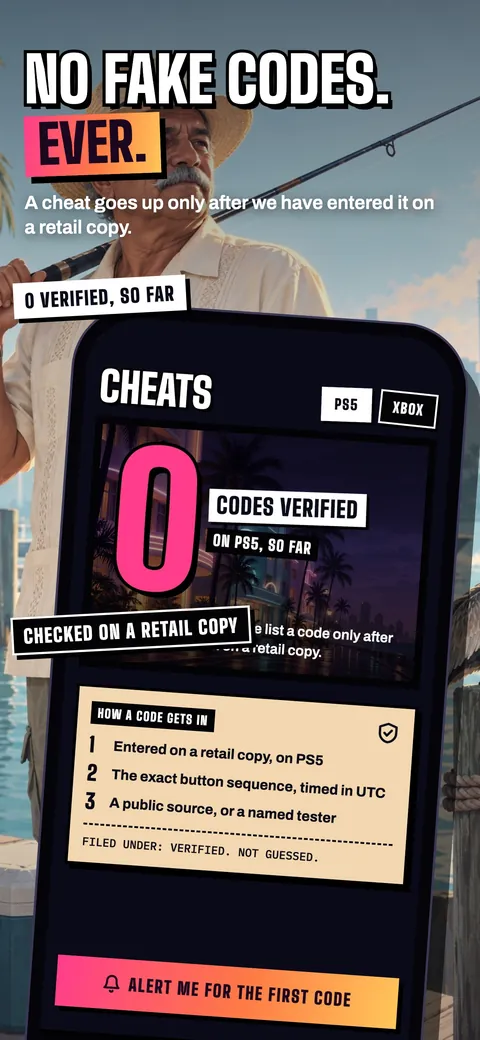
- You entered a cheat. Using a cheat stops you saving and blocks trophies and achievements, according to GameSpot and PC Gamer. See do GTA 6 cheats disable trophies and the full cheats list.
How to load a save
Pause, open Game, choose Load Game, then pick the autosave or one of your manual saves and select Load. Loading takes you back to that moment, so save your current progress to another slot first if you might want it back.
Keep a save before every big mission
GTA 6 has no menu to replay a story mission once it is done, even after the credits. The only way to play one again, or to take a different choice at a key moment, is to load a manual save made before it (Endgame Tools). With 15 slots there is room to keep a few as "before this mission" saves and rotate the rest. Our missables guide lists what you can lose for good.
Quick answers
How do you save in GTA 6?
Pause with Options on PS5 or Menu on Xbox, open the Game tab, choose Save Game and pick one of the 15 manual slots.
Does GTA 6 autosave?
Yes. GTA 6 autosaves after missions and some open world events, into one autosave slot that is kept apart from your 15 manual saves.
Why is Save Game greyed out in GTA 6?
Manual saving is locked during the prologue and during missions. It comes back once you reach Jason's house at the marina, or once the mission ends.
How many save slots does GTA 6 have?
GTA 6 has 15 manual save slots and one autosave slot.
Can you replay missions in GTA 6?
No. There is no mission replay menu. Load a manual save made before the mission to play it again.
Sources
- How to Save in GTA 6, Game Rant, 18 November 2026
- How to Save in GTA 6: Manual Save, Autosave and 15 Slots, Gaming Route, 19 November 2026
- All GTA 6 cheats and how to unlock them, GameSpot, 18 November 2026
- GTA 6 cheats list, PC Gamer, 18 November 2026
- How to save in GTA 6: 15 slots, autosave and no replays, Endgame Tools, 19 November 2026